
Home Office
A Home Office
That Works Harder.
Create a home office that makes focused work easier without letting work take over the rest of the room — with practical ideas for layout, storage, lighting and everyday routines.
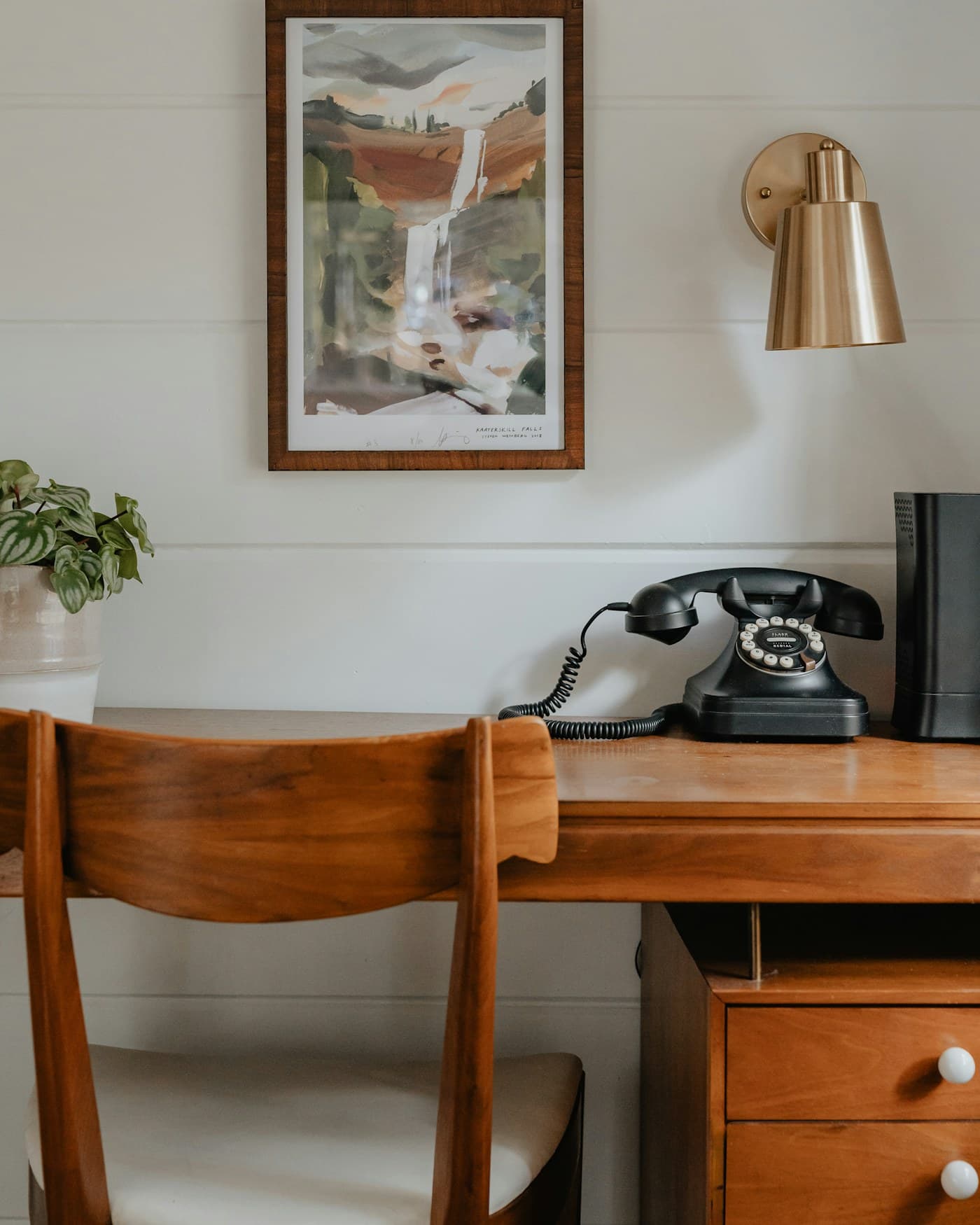 Room Guide
Why It Matters
A Home Office
That Works for You.
A home office has to do more than fit a desk — it needs to support focused work while still feeling like part of the rest of the home.
Thoughtful choices in desk placement, storage and lighting can make the space easier to work in and easier to leave at the end of the day, without requiring a spare room or more equipment.
The goal isn't a picture-perfect workspace. It's one that supports real, everyday work and doesn't quietly take over the room around it.
Comfortable Movement
Keep clearance around the desk and chair open and easy to move through.
Furniture That Fits
Choose a desk and chair scaled to the room you actually have to work with.
Useful Storage
Keep documents and supplies within reach without letting the desk feel cluttered.
Practical Lighting
Layer natural, task and ambient light so the space works well at every hour.
01 · Get the Desk Placement Right
Start With
Where the Desk Goes.
The most workable home offices are built around where the desk actually sits — not just wherever there happened to be an empty wall.
Before deciding on anything else, think about natural light, the path in and out of the room, and how much space you need to push back a chair or reach a shelf. A desk doesn't need a dedicated room to work well — it needs a spot that doesn't sit in the middle of everyday circulation.
A good desk position makes focused work easier without turning the rest of the room into an obstacle course.
- 01Face the Light Where You CanPosition the desk near a window, angled to avoid glare on the screen rather than facing it directly.
- 02Leave Room to Push BackMake sure there's enough clearance behind the chair to stand up and move without hitting furniture.
- 03Protect the Everyday PathKeep the desk out of the main route through the room so work doesn't block everyday movement.
- 04Avoid Awkward CirculationNotice where the desk forces you to squeeze past something, and see if it can shift to open the room up.
RoomMinded Tip
Before buying anything, sit at a few different spots in the room for a normal task. The one that feels easiest to settle into is usually the right desk position.
02 · Choose a Chair and Desk That Fit
Choose Furniture
That Fits the Room.
A home office works hardest when the desk and chair are scaled to the room, not simply chosen because they looked right in a photo.
A desk that's too large can block a doorway or crowd the rest of the room, while an oversized chair can make a small space feel tighter than it needs to be. Before replacing anything, measure what you actually have and choose seating you'll genuinely want to sit in.
The right size matters more than the style, and the best choice is almost always the one that fits the space you're working with.
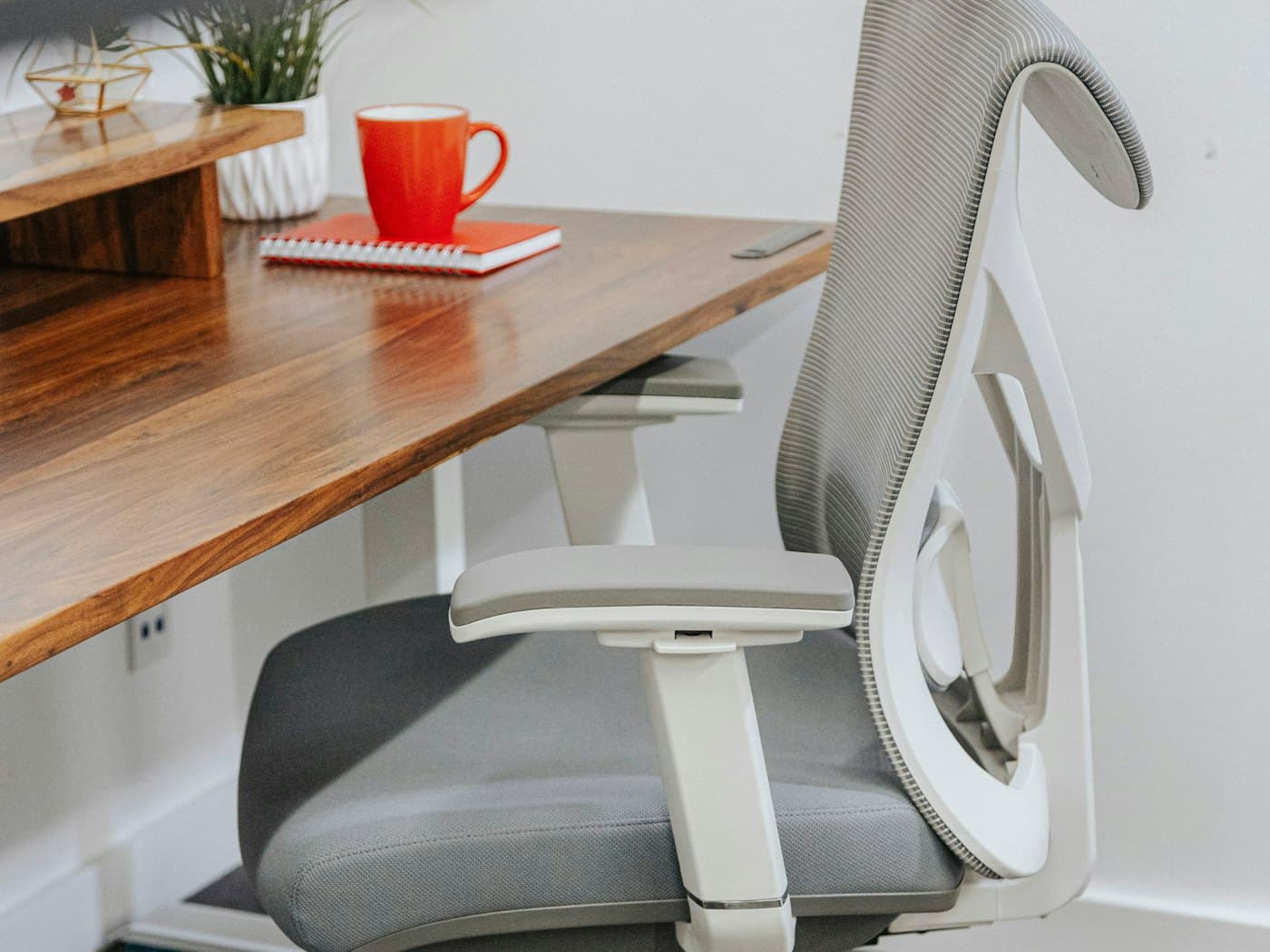
- 01Measure Before You ChooseCheck the available width and depth before selecting a desk or chair for the room.
- 02Match Desk Depth to the RoomA desk should offer enough working surface without crowding the door or the rest of the furniture.
- 03Choose a Chair You'll Actually UseComfortable, appropriately sized seating gets used every day — an oversized one just gets in the way.
- 04Avoid Oversized FurnitureA desk or chair built for a larger office rarely feels right squeezed into a home room.
RoomMinded Tip
If a chair can't push back without hitting the wall, the desk setup is too large for the room — regardless of how it looked in the store.
03 · Make Storage Work Harder
Store More
Without Adding Furniture.
A home office has to store more than it shows — documents, stationery and equipment — while still leaving the desk clear enough to actually work at.
Good home office storage keeps everyday supplies organized and within reach without turning the desktop into a catch-all. Look at drawers, vertical wall space and shelving before deciding you need another piece of furniture.
The goal isn't to store everything perfectly. It's to reduce the clutter that makes a small workspace feel harder to use than it should.
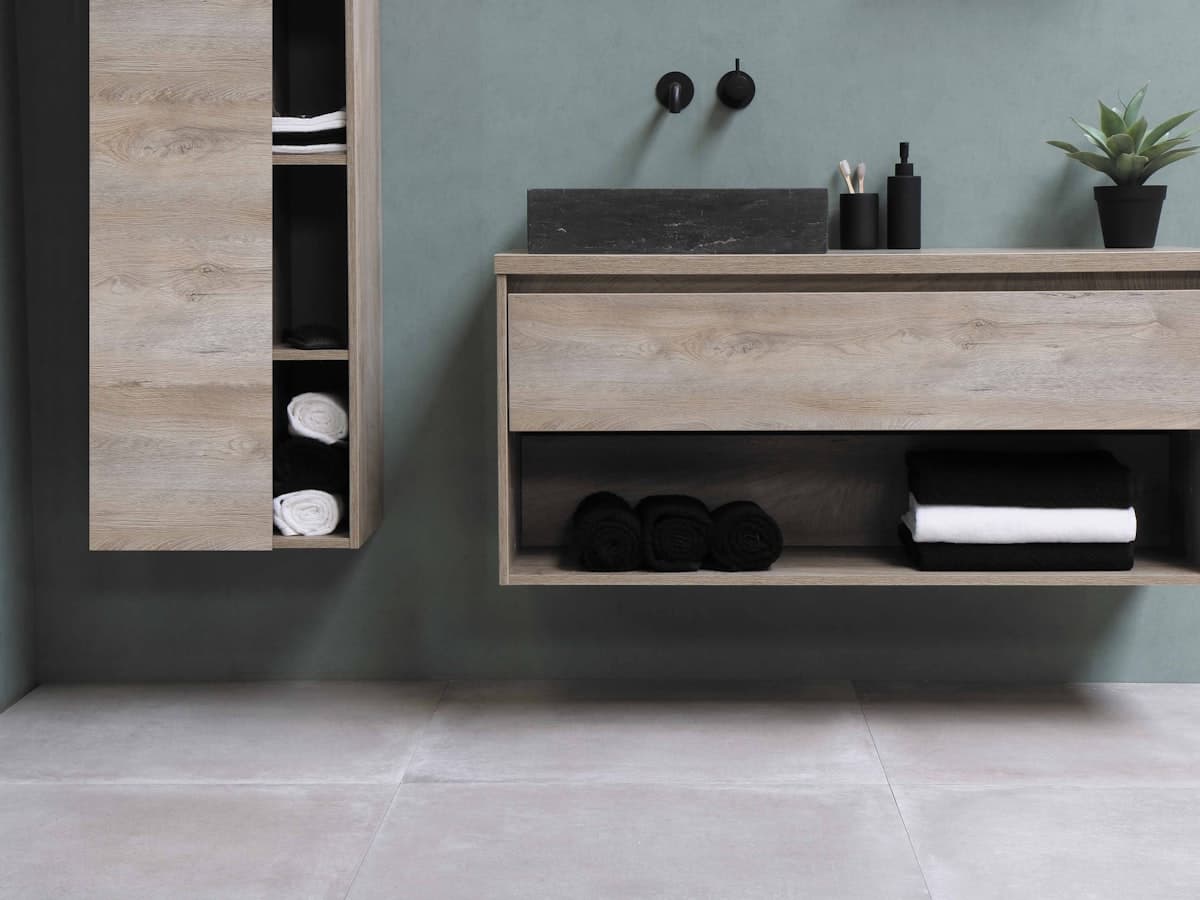
- 01Sort by How Often You Use ItKeep everyday supplies within reach and store what you use less often a little further out.
- 02Use Vertical Wall SpaceA wall-mounted shelf or cabinet can free up desk space without taking up any floor area.
- 03Keep the Desktop for Work OnlyGive documents, stationery and equipment a drawer or shelf so the working surface stays clear.
- 04Give Cables a Home TooA dedicated drawer or box for chargers and cables keeps them out of sight until you need them.
RoomMinded Tip
Before adding another organizer, look at what's actually crowding the desk. Solving that specific problem usually does more than buying more storage.Explore Storage Ideas
04 · Get the Lighting Right
Let Good Light
Support the Work.
Lighting affects how comfortable a home office feels to work in more than almost any other choice you'll make.
Make the most of any natural light, then add focused task lighting for reading and screen work, and softer ambient light for the rest of the room. Avoid a single overhead fixture trying to do every job at once, especially in the evening.
The goal isn't to light every corner equally. It's to give the desk the light it needs and let the rest of the room feel comfortable around it.
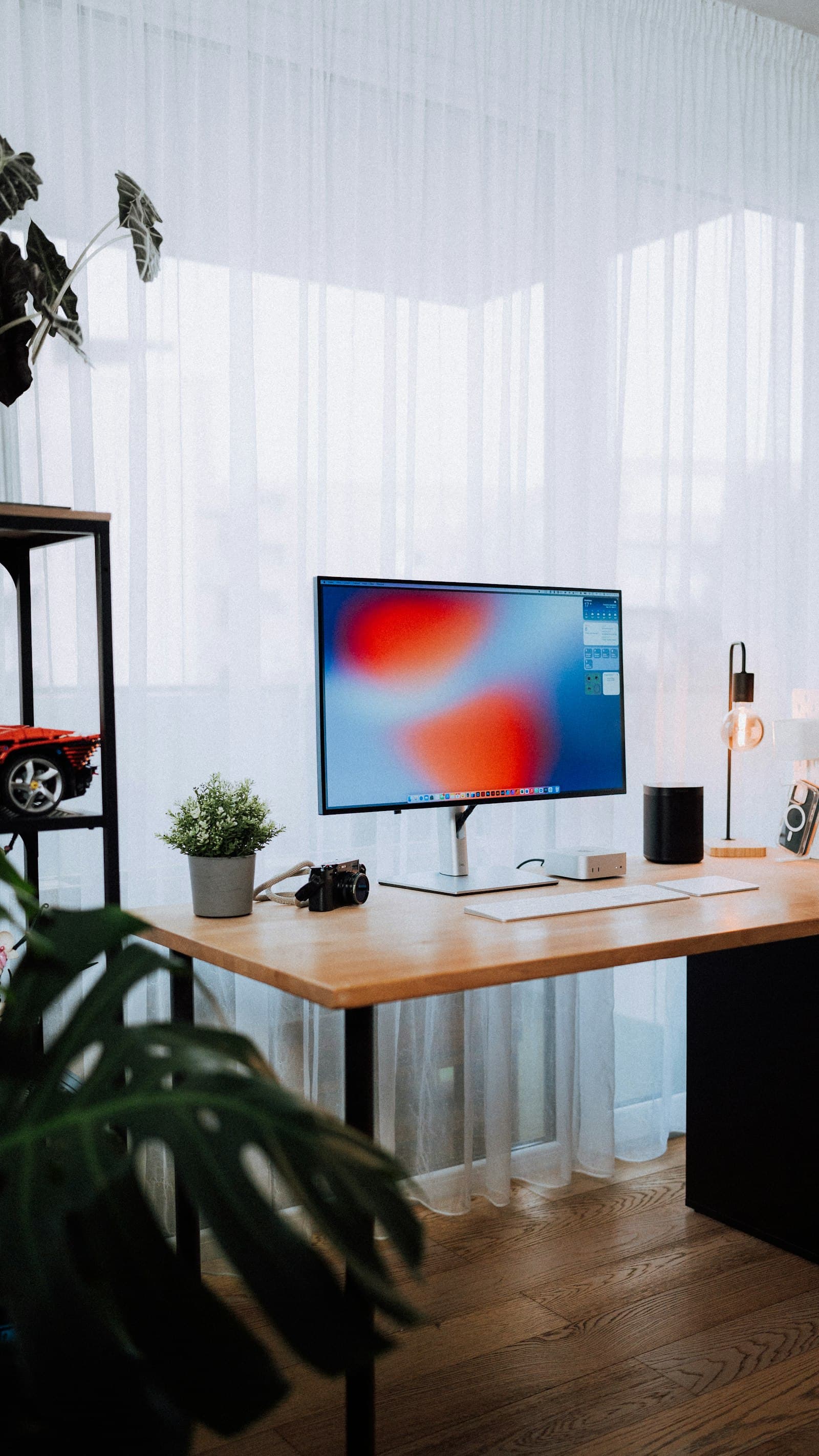
- 01Position the Desk Near DaylightNatural light close to the desk reduces how much you'll rely on lamps during the day.
- 02Add Focused Task LightA desk or clip lamp gives reading and detailed work light that an overhead fixture can't provide alone.
- 03Reduce Screen GlareAngle the desk and any lamps so light doesn't reflect directly off the monitor.
- 04Layer Light for Evening WorkCombine task and ambient lighting so the room still feels comfortable once daylight fades.
RoomMinded Tip
If your home office only has one overhead light, add a task lamp at the desk before anything else. It's one of the most useful changes you can make.Explore Lighting Ideas
05 · Keep Tech and Cables Under Control
Keep the Desk
Visually Clear.
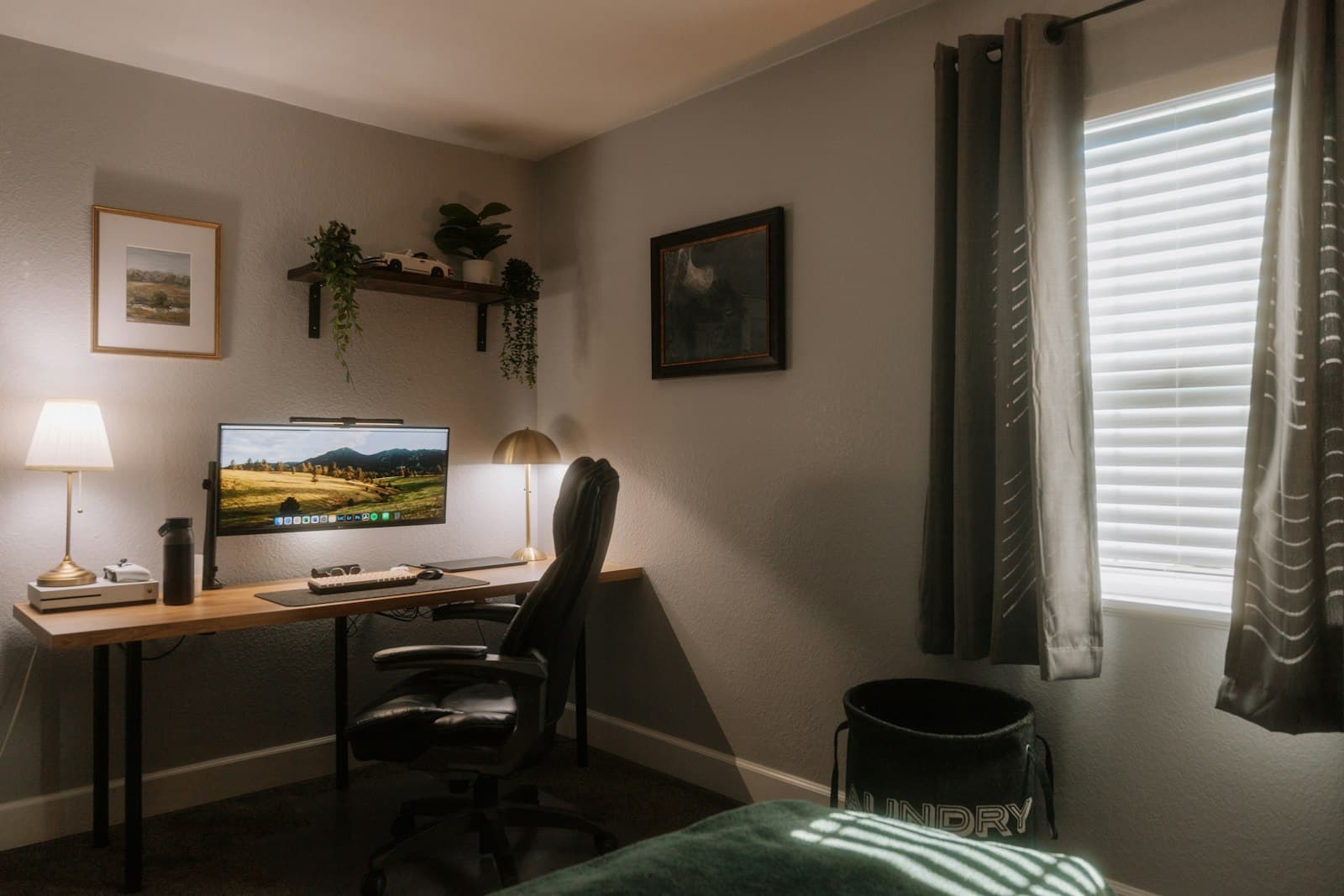
A home office runs on chargers, cables and devices — but a desk that looks tangled and cluttered makes work feel harder before it's even started.
Group cables at the source, keep chargers close to the outlets you actually use, and route what you can off the top of the desk. This isn't about buying more gadgets — it's about keeping what's already there out of the way.
A visually clear desk doesn't need to be empty. It just needs the cables and devices you use every day to stay manageable rather than tangled.
- 01Group Cables at the SourceBundle cables near the power strip or outlet rather than letting them trail across the desk.
- 02Keep Chargers Near PowerPosition frequently used chargers close to an outlet so they don't need a long, visible cable run.
- 03Route Cables Off the DesktopWhere you can, run cables along the back or underside of the desk instead of across the surface.
- 04Keep Only What You Use Daily OutStore spare cables and adapters in a drawer so only what you actually reach for stays visible.
RoomMinded Tip
A single cable clip or tray at the back of the desk usually solves more clutter than a full cable-management overhaul.
06 · Make Work Easier to Switch Off
Finish With
a Clear End to the Day.
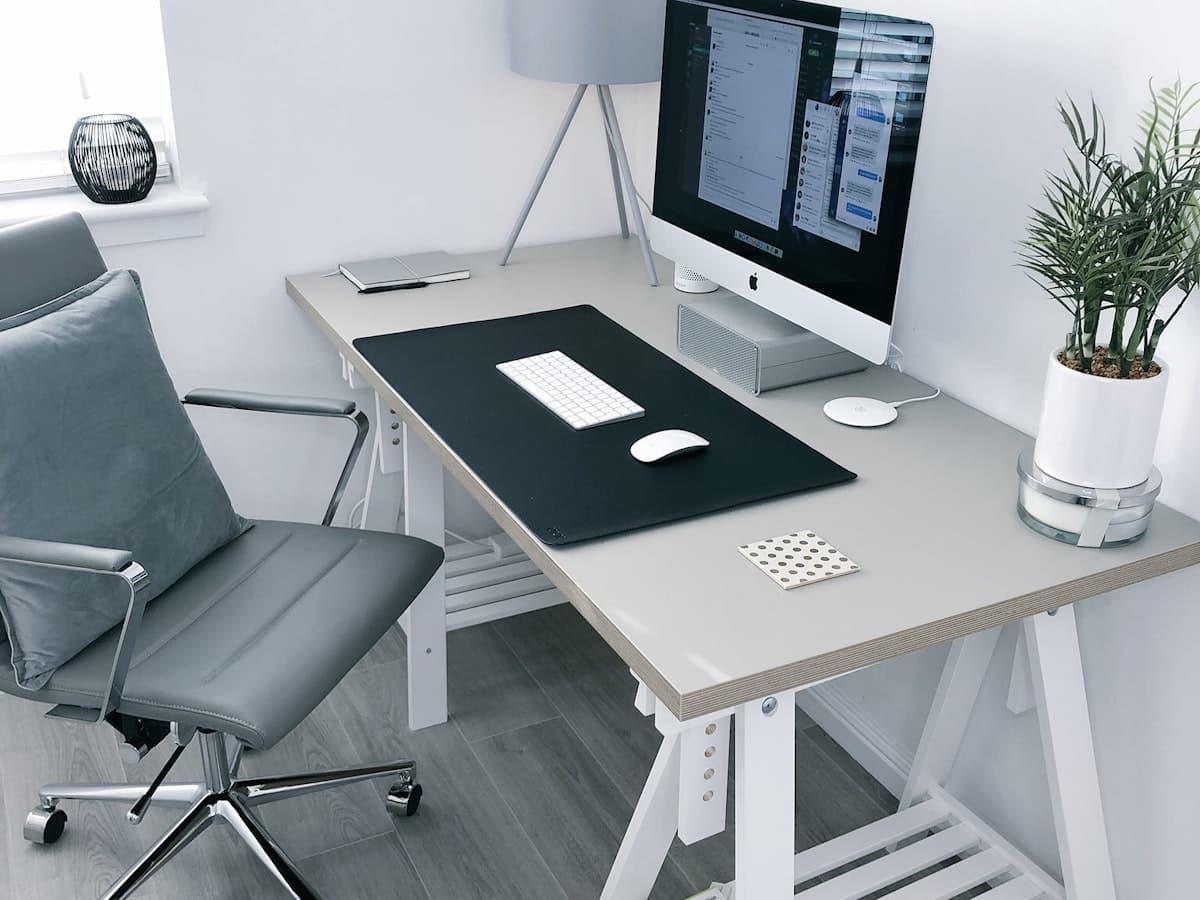
Once the layout, furniture, storage and lighting are working well, the last step is making it easy to actually step away from work.
Close the laptop, store loose papers in a drawer, and keep a visual line between the desk and the rest of the room where you can. A little separation helps the space stop feeling like an open task list the moment you're done for the day.
This isn't about a strict routine. It's about giving the room — and yourself — a clear signal that the workday is over.
- 01Close Up at the Same Time Each DayA short, consistent end-of-day routine makes switching off feel automatic rather than effortful.
- 02Store Work Out of SightPut laptops, papers and work materials in a drawer or cabinet rather than leaving them out overnight.
- 03Keep a Visual Divide if You CanA screen, shelf or simply turning the chair in helps separate the desk from the rest of the room.
- 04Let the Space Serve Double DutyWhere the room allows it, let it double as a reading nook or guest space once the desk is tidied away.
RoomMinded Tip
A closed laptop and a cleared desk do more to end the workday than any app or reminder. Make tidying up the very last work task, not an optional one.
Ready to Make It Your Own?
Explore a few thoughtfully chosen home office pieces that can help put these ideas into practice.
Explore Home Office PicksRoomMinded Picks
Useful Pieces
for a Better Home Office.
A considered selection of lighting, seating and organization pieces that can help make your home office calmer, more organized and easier to work in.
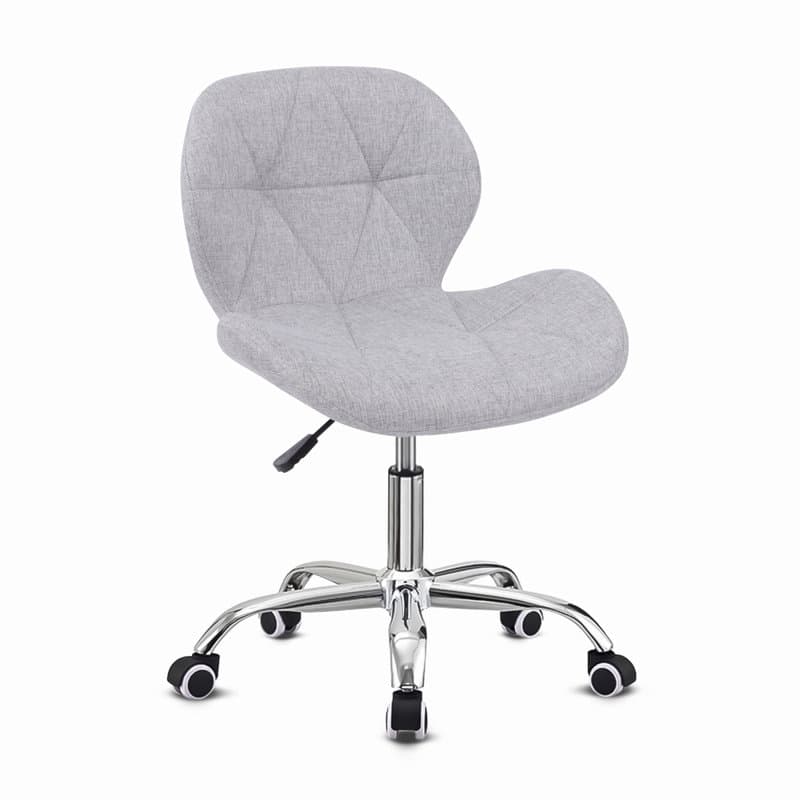
SEATING
Compact Ergonomic Chair
Comfortable everyday seating designed to fit a smaller desk and workspace without crowding the room.
$XX
View Product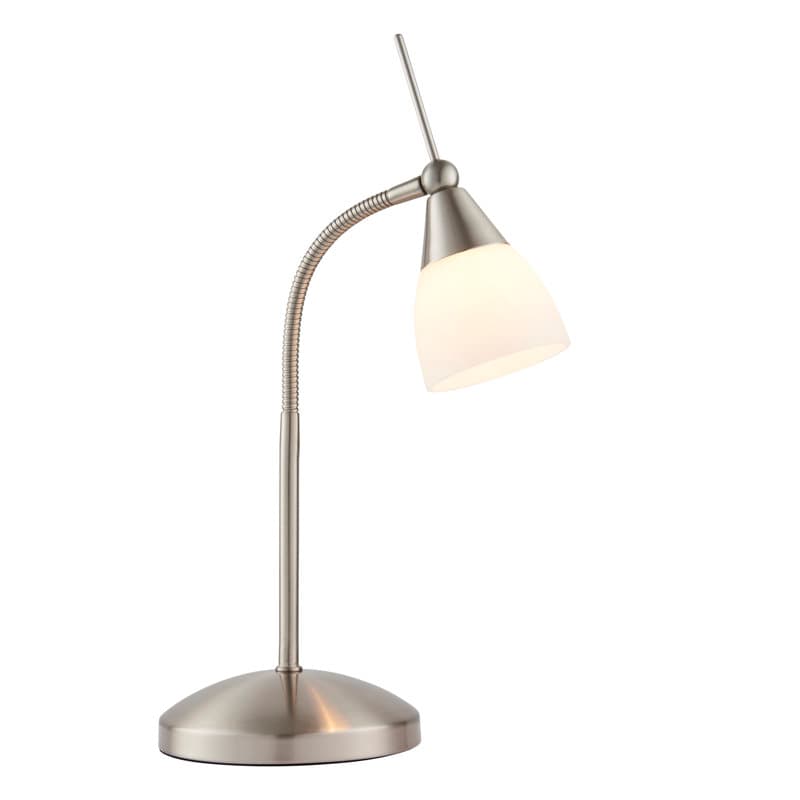
TASK LIGHTING
Dimmable Desk Lamp
A focused, dimmable light for the desk, so screen work and reading don't rely on a single overhead fixture.
$XX
View Product
WALL-MOUNTED STORAGE
Floating Shelves, Set of 4
A set of wall-mounted shelves for reference books, files and desk supplies, keeping the desktop clear without using floor space.
$XX
View Product
STORAGE
Slim Storage Cabinet
A narrow-footprint cabinet for paperwork and supplies that would otherwise clutter the desk, sized to fit a tight home office corner.
$XX
View ProductRoomMinded may earn a commission when you purchase through links on this page, at no additional cost to you.
Explore All Home Office PicksKeep Exploring
More Ideas
for a Better Home Office.
Continue exploring practical RoomMinded guides for layout, storage, lighting and making the most of the workspace you have.
Home Office
How to Set Up a Home Office in a Small Apartment
A practical approach to setting up a home office in a small apartment — finding a dedicated spot, choosing furniture that supports a full workday, and keeping work contained to its corner.
Read Guide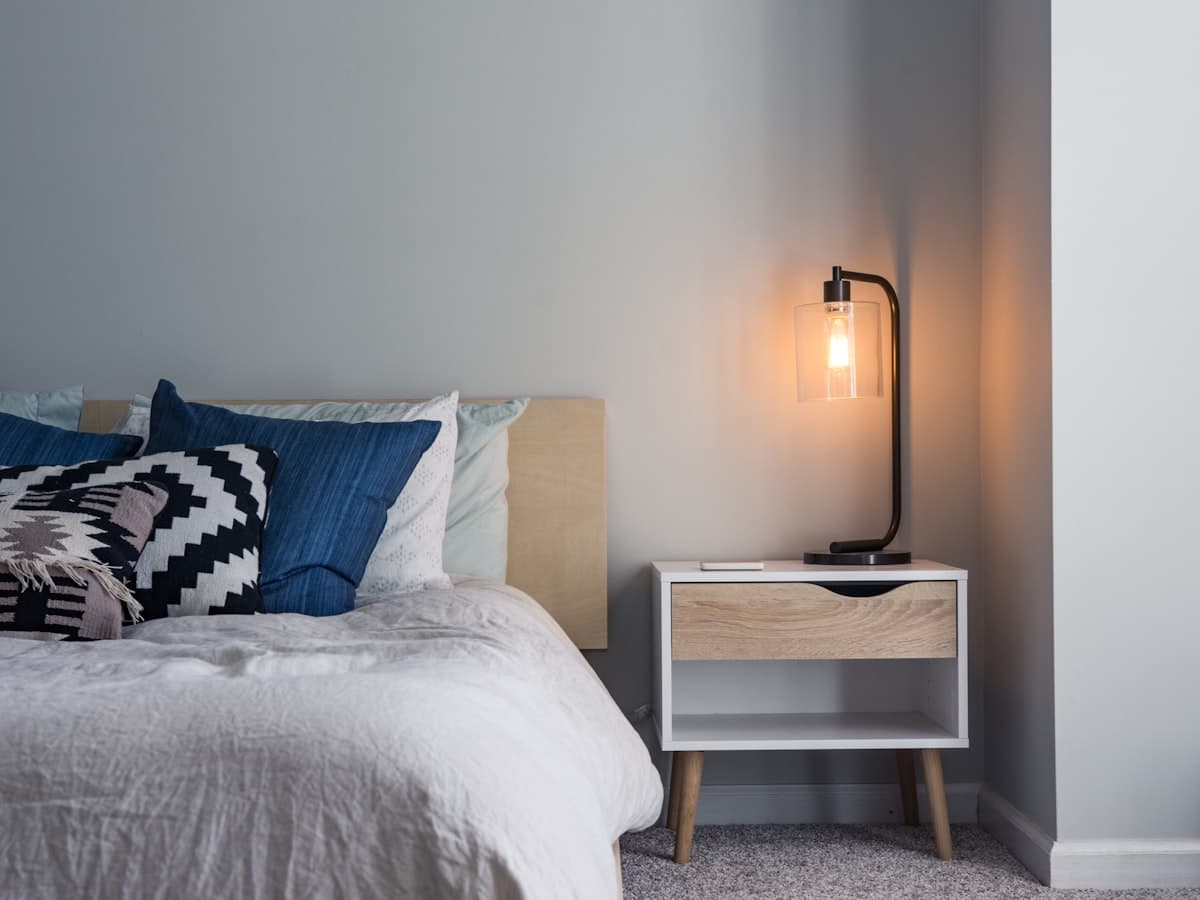
Better Lighting
Lighting Ideas for a Small Apartment
A practical, room-by-room approach to lighting a small apartment — layering natural, ambient, task and accent light so every room feels brighter without a renovation.
Read Guide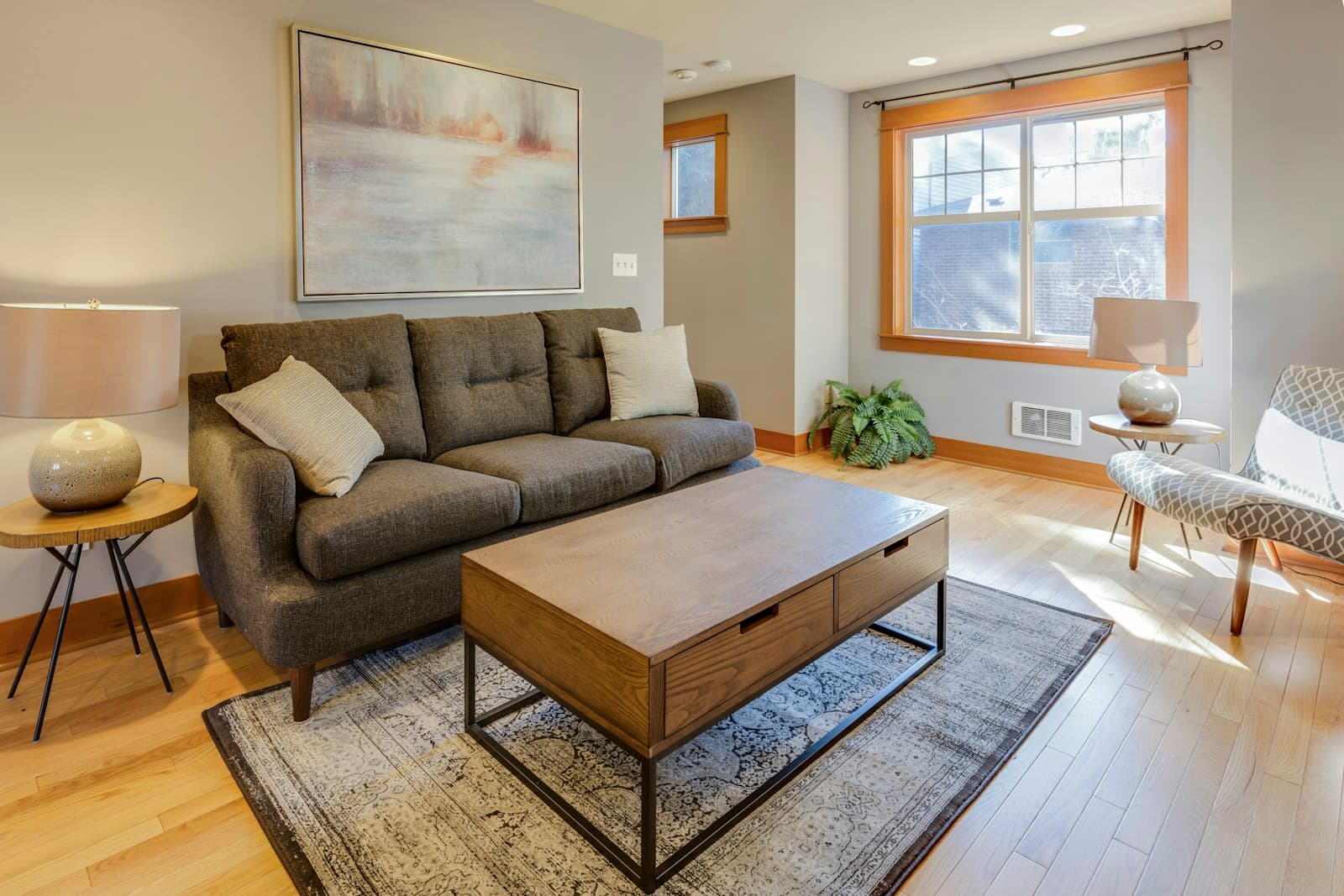
Small Spaces
How to Make a Small Room Feel Bigger
Discover practical small room ideas for better layouts, space-saving furniture, smarter storage and lighting that can make your home feel more open and comfortable.
Read GuideGood to Know
Home Office
Questions, Answered.
A few practical answers to common questions about creating a home office that's easier to work in, organize and switch off from.
Start with natural light and clearance rather than style. Angle the desk so light doesn't glare on the screen, keep it out of the main path through the room, and leave enough space behind the chair to move comfortably.
Enough to push the chair back fully and stand up without hitting furniture — usually a few feet behind the desk. A desk doesn't need a large room, just clearance around the parts you use every day.
Enough to keep documents, stationery and everyday supplies off the desk — usually a drawer or two, some vertical shelving and a dedicated spot for cables. Accessible storage matters more than a large amount of it.
Group cables near the power source, route what you can off the desktop, and keep only what you use daily out in the open. Store spares and adapters in a drawer rather than leaving them visible.
A layered approach usually works best: natural light where the desk allows it, focused task light for reading and screen work, and softer ambient light for the rest of the room in the evening.
Close the laptop and store papers away at the end of the day, keep a visual divide between the desk and the rest of the room where you can, and make tidying up part of finishing work rather than an afterthought.
Make Your Home Office Work for You
Create a Workspace
That Works With Your Day.
Make working from home easier with practical choices for layout, storage, lighting and the everyday details that keep your workspace manageable.
Thoughtful spaces start with what matters most.